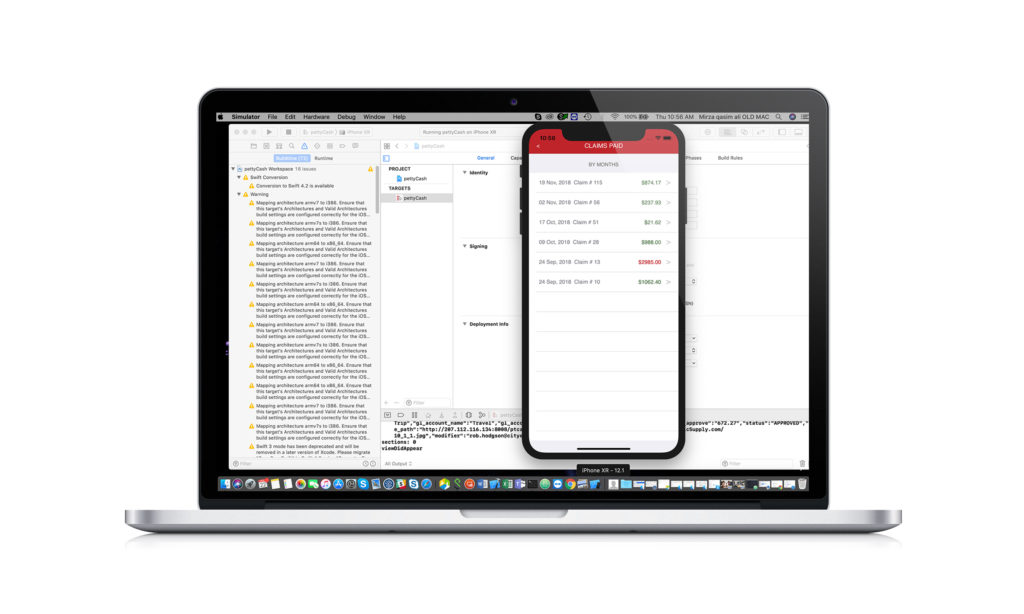
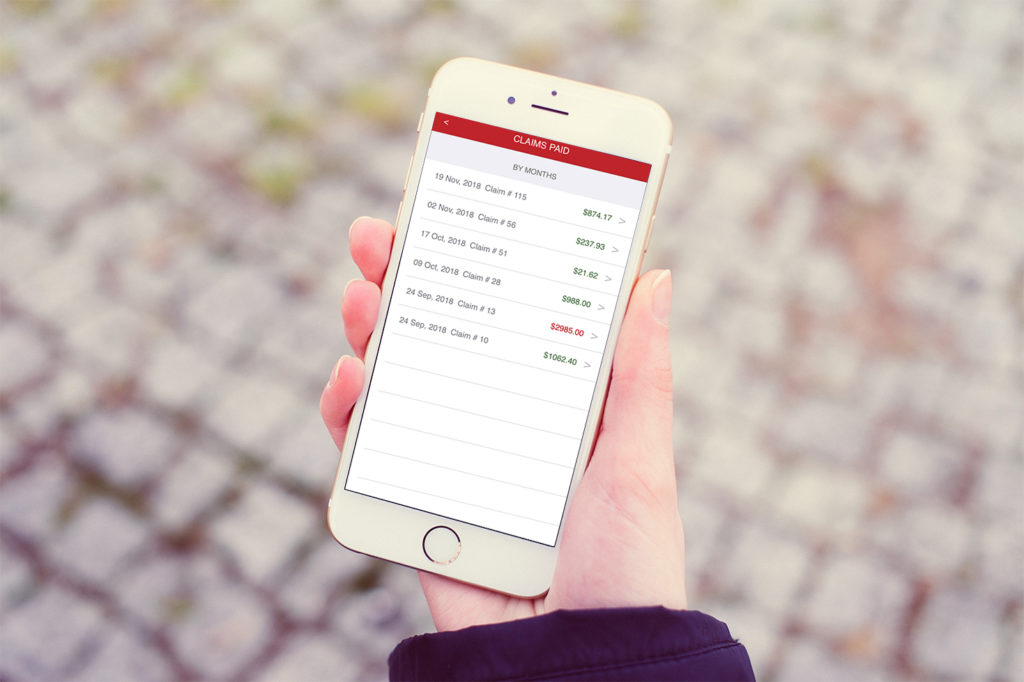
The employee has a petty cash receipt due to work-related travel and job duties. Employee opens the ExpenCES app and submits a receipt. The system pulls all the employee’s receipts into one Petty Cash Claim form. The manager receives an email from the system to review the claim. The manager reviews the claim. Once all required levels have approved the claim, it is sent to Accounting for processing
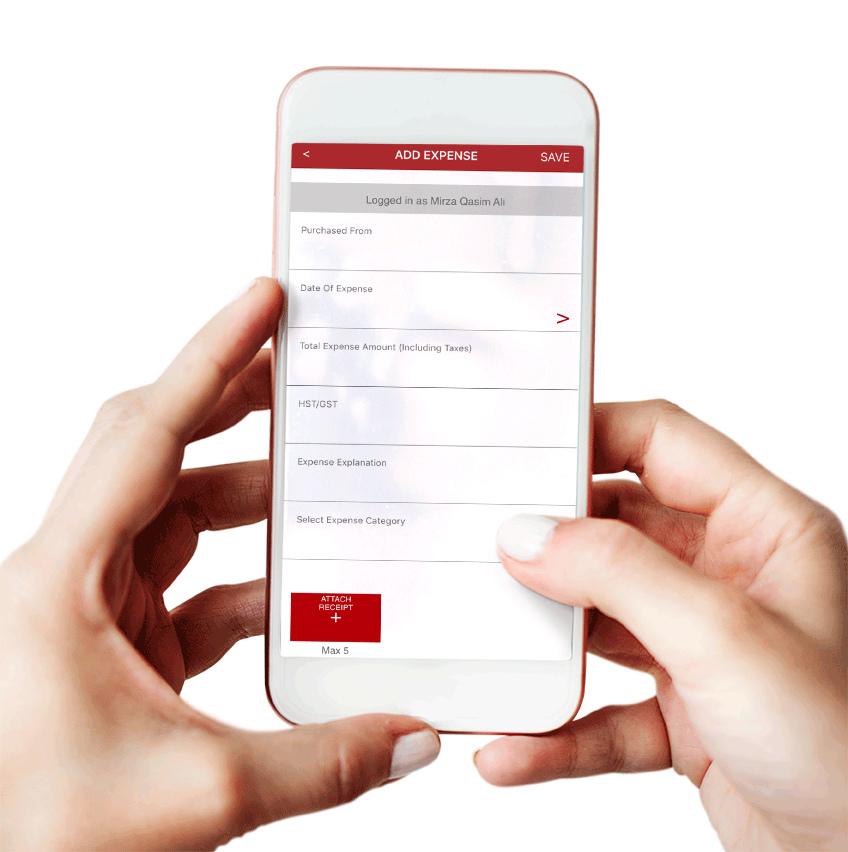

There are four folders, which may or may not have claims listed depending on where items are in the approval process:
- Receipts Saved
- Receipts Submitted
- Claims Compiled
- Claims Paid
Track Your Claim
The employee will receive an email through each stage of the process
letting them know if the claim was approved, partially approved, denied, or gone to accounting.